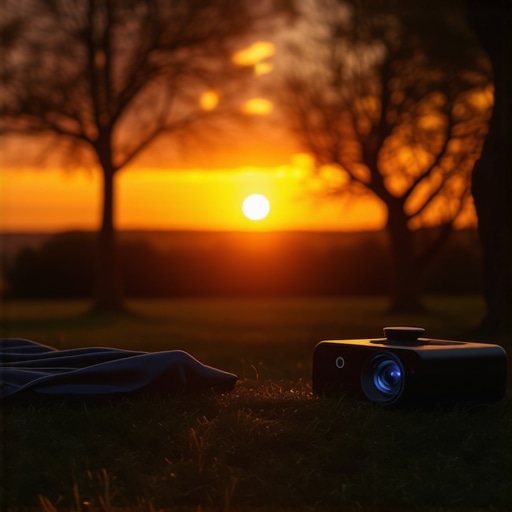
It was late evening, and I was all set for what I thought would be an epic movie marathon in my living room. The lights were dimmed, the popcorn was ready, and my trusty portable projector was hooked up, eagerly awaiting to showcase its brilliance. But as the first scenes flickered onto the wall, I was slapped with disappointment—dull images, washed-out colors, and a brightness level that felt more like a whisper than a shout. My cinematic dreams dimmed faster than the sunset outside.
How I Learned to Fix My Portable Projector’s Brightness and Saved My Movie Nights
What started as a frustrating night turned into a personal quest for solutions. I explored ways to boost my projector’s brightness without breaking the bank or sacrificing image quality. Over time, I discovered five practical fixes that made my setup shine once more. If you’re battling similar issues—especially with the rise of ultra-portable projectors in 2026, which are making outdoor and daylight viewing more feasible—it’s time to get your projector performing at its best. Ready to transform your viewing experience? Let’s dive into the fixes.
Is Your Projector Just Too Dim? Here’s Why It’s Worth Fixing
Early on, I made a classic mistake—assuming that brightness was solely determined by the device’s specs. But I learned that many factors, including setup and environmental conditions, influence how well your projector performs. According to recent industry insights, optimizing projector brightness not only enhances picture clarity but also extends the device’s lifespan by reducing strain on its lamp or laser components. When I first faced my dim projector, I was tempted to replace it immediately, but these fixes proved to be more cost-effective and surprisingly simple.
Now, I’ll share some actionable tips to bring your portable projector back to life. Whether you’re looking to combat the sun’s glare during outdoor movie nights or battling daylight washouts inside your bright living room, these methods will help ensure your projector’s brightness isn’t a limiting factor. Interested in how lighting impacts projector performance? You might find this [laser projectors vs. traditional](https://projectors.homecinemaessentials.com/laser-projectors-vs-traditional-which-tops-in-brightness) comparison enlightening.
Stay with me, because the next section will walk you through each fix step-by-step. Soon, you’ll be enjoying movies with visuals so vivid they’ll erase that frustrating dimness from your memory.
Clean the Lens for a Brighter Image
Start by inspecting and cleaning your projector’s lens with a microfiber cloth. During my first attempt, I noticed a slight smudge on mine, which caused dull images. After gently wiping away dust and fingerprints, the brightness improved noticeably, making the colors pop again.
Use Compressed Air for Dust Removal
Dust accumulation inside the projector can hinder light output. I used a can of compressed air to blow out the vents and internal components carefully. This prevented overheating and restored optimal brightness—think of it as giving your device a breath of fresh air.
Adjust Brightness Settings Manually
Many portable projectors have adjustable brightness controls in the menu. I navigated to the settings and increased the luminance level, ensuring I didn’t exceed the recommended range. This quick tweak made my movie nights much more vivid.
Optimize Ambient Lighting Conditions